RGDPS APK Download Latest Version
Many Geometry Dash players often get frustrated with limited levels, locked customization, and restricted in-game features on the official servers. These limitations can make exploring, creating, and competing less exciting. RGDPS, a private fan-made server, solves these problems by offering custom levels, unlocked items, enhanced editor tools, and multiplayer rewards. Players can enjoy a more creative and experimental experience while exploring content not available on the official Geometry Dash servers. It is a modded version that provides enhanced features not available in the official game.
v2.2.143
JohnRickGD
Android 5.0
com.gdpssxx.johnrickgdps
Arcade
155.5 MB
What is RGDPS?
RGDPS, also known as Rick Geometry Dash Private Server, is a fan-made private server of the popular rhythm platformer game Geometry Dash. It allows players to experience modified gameplay, access custom levels, and use unlocked in-game features that are normally restricted in the official version. It doesn’t operate on the official server, which is RobTop’s official server. It runs on a private and independent server managed by community developers.
Its main purpose is to provide players with a creative and experimental environment where they can explore enhanced features, unlimited user-generated content, test custom mechanics, and enjoy customization. All these things are not available on the official server. However, it is not officially developed or endorsed by the official developers. It functions as a separate ecosystem with its own servers, accounts, and progress systems.
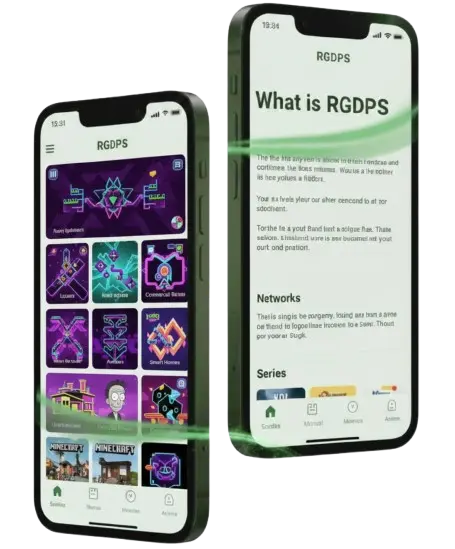
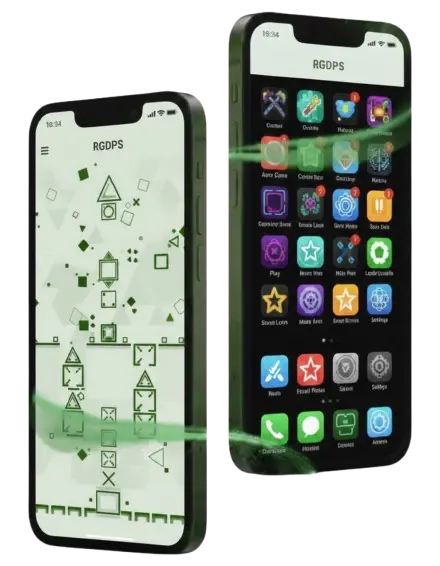
What’s New in the Latest Version 2.2
The latest version brings several improvements that enhance gameplay features, editor functionality, and overall server performance. Below are the key additions and changes that improve this server.
How to Download and Install RGDPS APK on Android
To download and install Rick GDPS APK on your Android device. You need to follow these steps.
Step 1: Visit Our site and click on the download link.
Step 2: Open mobile settings and search for unknown sources.
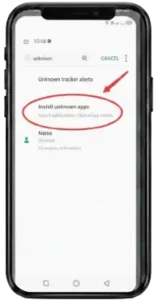
Step 3: Click on Install unknown sources and enable it.
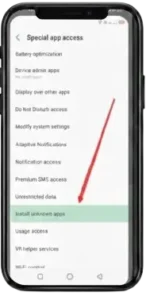
Step 4: Go to the download APK file and click on install.
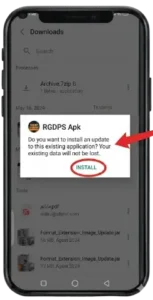
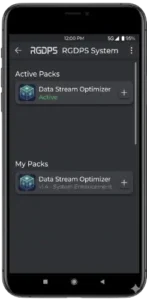
Step 5: After installation, tap open to launch the app.
Key Features of RGDPS APK
The key features that enhance the overall experience of Geometry Dash are as follows:
Fast & Reliable Private Servers
It runs on dedicated private servers designed to provide smooth connectivity and stable gameplay. These servers are optimized to reduce downtime, improve synchronization, and allow joining multiplayer modes without any interruption.
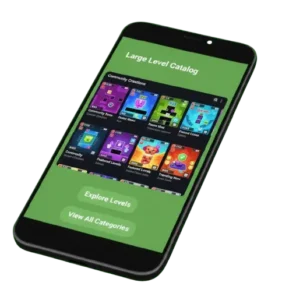
Large Level Catalog
One of the biggest highlights is its massive library of custom levels. Players can explore thousands of user-generated creations, including experimental maps, impossible challenges, and exclusive community designs that are not available on official servers.
Extensive Level Editor Tools
This server provides enhanced editor tools to creators and players to design complex and visually detailed levels. Players can use expanded object libraries, triggers, and effects to build unique gameplay mechanics and publish them for others to play.
Multiplayer Mode with Rewards
For a competitive environment, it supports multiplayer interactions where players can compete, collaborate, and participate in server events. Completing challenges and activities can reward players with chests, items, or server-exclusive unlockables.
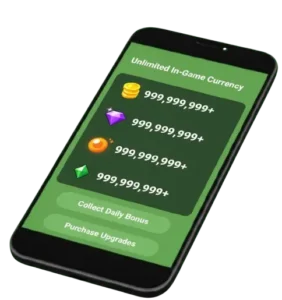
Unlimited In-Game Currency
Rick GDPS often provides unlimited or easily accessible in-game currency that is usually not available in the official version. This allows players to unlock icons, colors, trails, and customization items without grinding achievements.
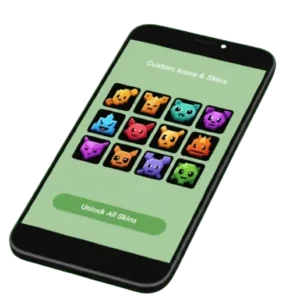
Custom Icons & Skins
Players get access to a wide collection of modded icons and skins. These customizations allow users to personalize their character appearance beyond the limitations of the original game.
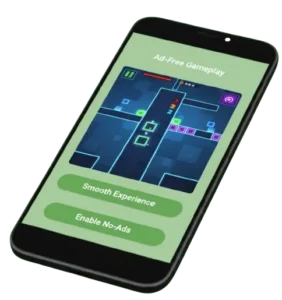
Ad-Free Gameplay
It offers an uninterrupted gaming experience with no ads. Players can enjoy level creation, gameplay, and exploration without any ad pop-ups.
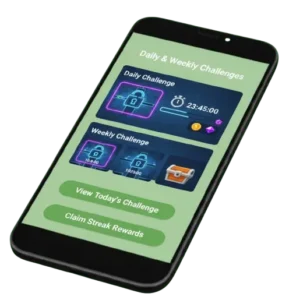
Daily & Weekly Challenges
The server introduces new challenges frequently to keep gamers engaged in activities. By completing these tasks, players can unlock rewards, currency, or exclusive items, encouraging consistent participation.
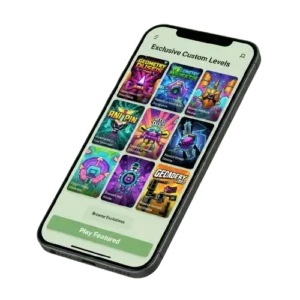
Exclusive Custom Levels
Many levels are exclusive, meaning they are created only for a specific private server community and cannot be found on the official server.
Vibrant Community Access
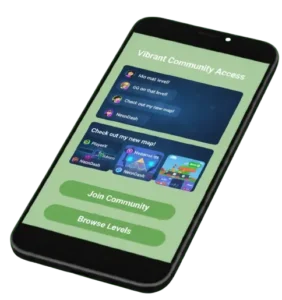
It is supported by an active community where players can share levels, collaborate on projects, join events, and interact through forums or Discord groups.
How to Update APK Manually
To update the server without facing any issues, follow these steps:
How to Use Rich GDPS (Beginner Guide)
To get started with this server, follow these simple steps:
System Requirements
Requirement | Minimum Specification |
Operating System | Android 5.0 or higher |
RAM | 2 GB |
Storage Space | 100 MB free space |
Processor | Quad-core 1.5 GHz |
Internet Connection | Stable Mobile Data / Wi-Fi |
GPU | Basic integrated graphics |
Installation Permission | Unknown Sources Enabled |
Game Compatibility | Supports modded Geometry Dash build |
Pros and Cons
Pros
Cons
Common Problems & Fixes
While playing on this server, you may face some common problems, especially on low-end devices. Most of these problems has solution which is given below:
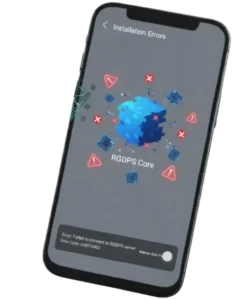
Installation Errors
Installation errors occur only when the file is incomplete, corrupted, or the device settings block third-party installations. You can fix it by enabling unknown sources from settings, making sure the file is fully downloaded, and your devices meet the minimum requirements.
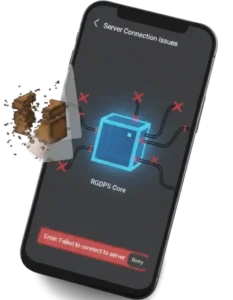
Server Connection Issues
Connection problems occur when the server is down, under maintenance, or when the user has an unstable internet connection. You can resolve this by switching internet connections, restarting the game, or waiting until the server becomes active again.
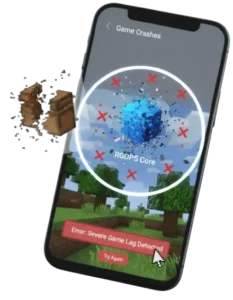
Game Crashes
It mostly occurs on low-end devices, outdated versions, or corrupted game versions. It can be solved by clearing the cache, reinstalling, or updating the app to the latest version.
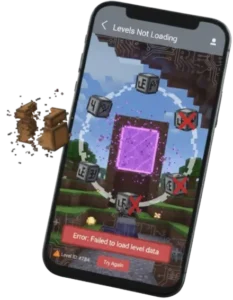
Levels Not Loading
If levels may fail to load, it may be due to slow internet, server delays, or outdated app versions. You can solve this by restoring the internet connection, restarting the game, or updating the game.
RGDPS vs Original Geometry Dash
Feature | RGDPS | Original Geometry Dash |
Server Type | Runs on private, fan-made servers | Runs on official RobTop servers |
Developer | Managed by community developers | Developed by RobTop Games |
Gameplay Experience | Modded and experimental gameplay | Official and stable gameplay |
Levels Database | Custom & community-exclusive levels | Official & global community levels |
In-Game Currency | Often unlimited or easily unlocked | Earned through gameplay progress |
Editor Features | Expanded tools & experimental mechanics | Standard official editor tools |
Multiplayer & Events | Server-based custom events & rewards | Official events & leaderboards |
Updates | Community-driven or server-specific | Official scheduled updates |
Account System | Separate accounts & progress | Linked to the official game account |
Stability | Can contain bugs & server downtime | Highly stable & optimized |
Security | Moderate risk (third-party server) | Fully secure & official support |
Ads / Restrictions | Usually ad-free & unlocked content | May include locked content progression |
GDPS Hub & Community
The GDPS Hub and community act as the central space where private server players connect, share, and collaborate. It brings together creators, challengers, and casual players who actively contribute to the growth of the GDPS ecosystem. Through the community hubs, players can discover newly released updates, download exclusive builds, and access server-specific resources. You may also get installation guidelines from these community hubs.
Alternatives to Rich GDPS
Although Rich GDPS is one of the most popular private servers, if you want other similar or safer experiences, you can try these alternatives as well.
Geometry Dash (Official Version)
This is the safest and most stable alternative. It runs on official RobTop servers and offers authentic gameplay
Geometry Dash SubZero
Another safe alternative that features exclusive levels, new music tracks, and polished gameplay mechanics.
Geometry Dash Meltdown
Another official expansion that introduces new challenges, icons, and soundtracks while keeping the core rhythm gameplay intact.
Geometry Dash World
It focuses on shorter levels, daily challenges, and online community stages, making it a lighter but official alternative to private servers.
GDPS Editor 2.2 Servers
It is a private server that provides modded 2.2 editor features, custom triggers, and experimental mechanics similar to Rich GDPS.
Private 1.9 / 2.1 GDPS Servers
It is an older version, but it offer classic mechanics, and exclusive legacy levels not available on modern servers.
Final Words
RGDPS is a fan-made server that is popular among players who want to experience Geometry Dash beyond the limitations of official servers. It provides enhanced editor tools, unlimited customization, exclusive levels, and a creative environment driven by community developers, not by official developers. You can test experimental mechanics, explore custom content, and enjoy unlocked features that are not available on the official version. However, since it operates on private servers, always download from a trusted source.